
English
English
Appearance
The United States, at about 9.83 million km², would cover roughly 26% of the entire surface of the Moon, which is about 37.9 million km². Put another way, about four copies of the USA would cover the whole Moon. Australia would cover about a fifth of it. On the Moon, a country keeps its true area and the world around it shrinks.
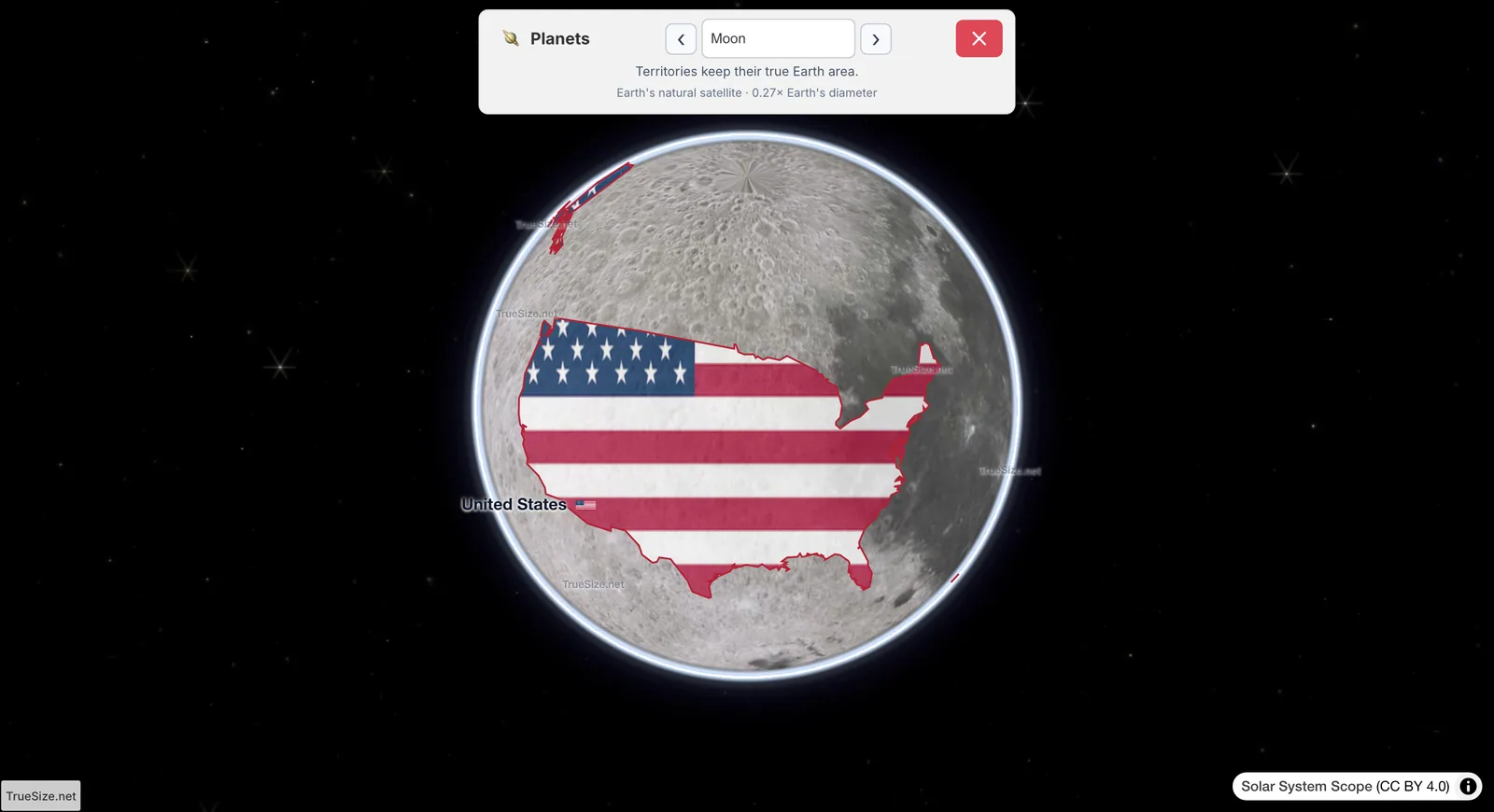
The USA moved onto the Moon in TrueSize: about a quarter of the whole surface.
The Moon has a radius of 1,737.4 km, so its diameter is only 0.27 times Earth's. Its surface area is about 37.9 million km². Earth's land area (about 148.9 million km²) is 3.9 times the whole Moon.
| Region | Area | Share of the Moon's surface |
|---|---|---|
| United States | about 9.83 million km² | about 26% |
| Russia | about 17.1 million km² | about 45% |
| China | about 9.6 million km² | about 25% |
| Australia | about 7.7 million km² | about 20% |
| Europe | about 10.2 million km² | about 27% |
| Africa | about 30.37 million km² | about 80% |
| Antarctica | about 14 million km² | about 37% |
Country areas are well-known published totals. The surface area of the Moon is calculated from its radius.
Area grows with the square of the radius. The Moon is about a quarter of Earth's width, but its surface is only about 7% of Earth's surface. A country does not shrink when you move it to another world, so it looks huge next to the smaller sphere.
TrueSize also corrects the usual map distortion. On a flat Mercator map, countries far from the equator look much bigger than they are. In planet mode the map is a globe, so the shapes you see are not stretched toward the poles.
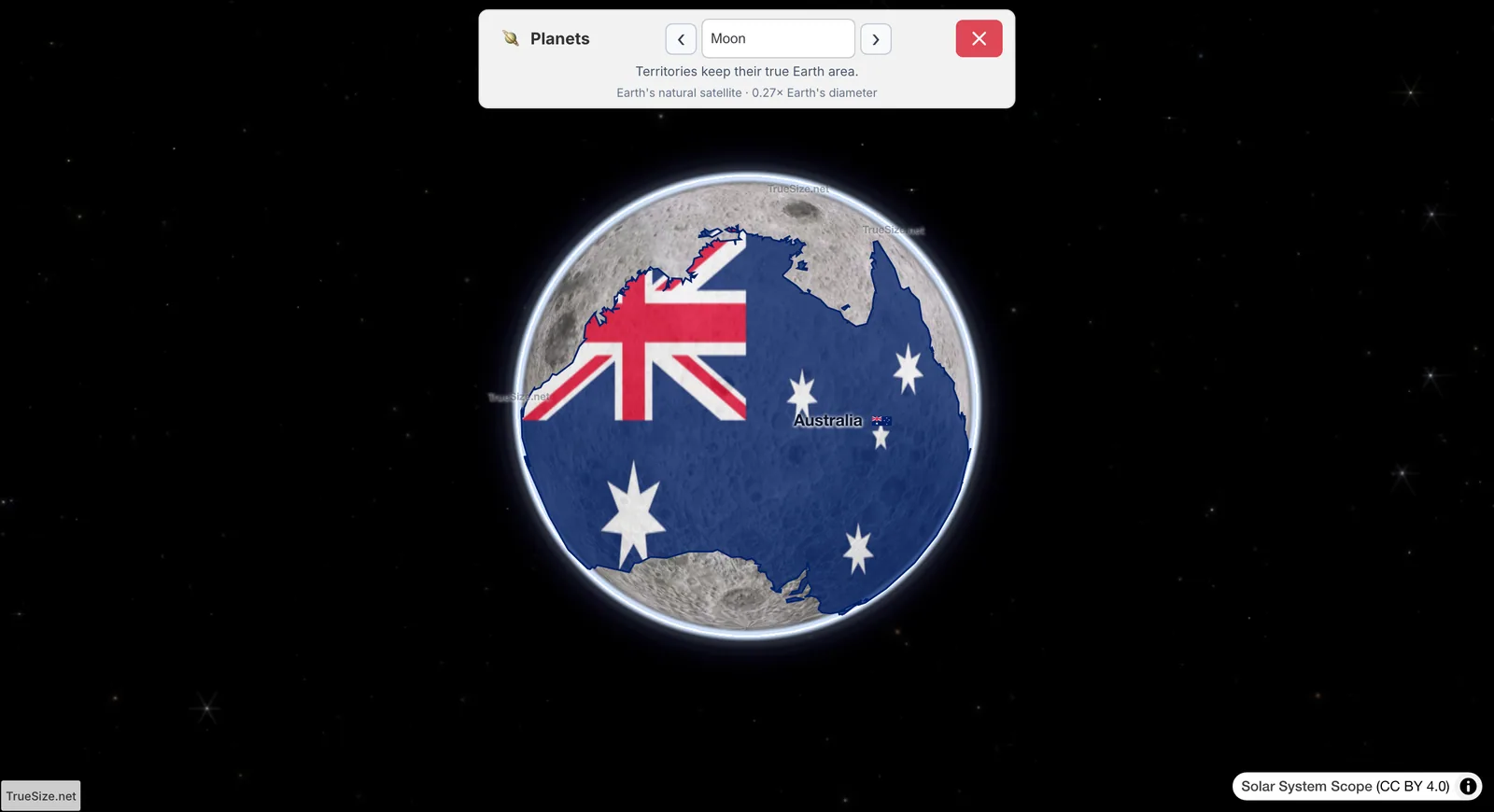
Australia on the Moon: about a fifth of the surface.
Open the Australia map in TrueSize
The Moon uses Solar System Scope imagery (CC BY 4.0). Planet mode is available on the web version. While a planet is shown, the address bar holds a link to that exact view, which you can copy and send.
Please rotate your device
The map needs portrait orientation on small screens — landscape leaves too little height to work with.