
Getting Started with TrueSize.net
Welcome! This quick tutorial shows you how to compare the true size of countries and regions, explore historical maps, and share what you create.
Intro walkthrough: select regions and move them.
How It Works
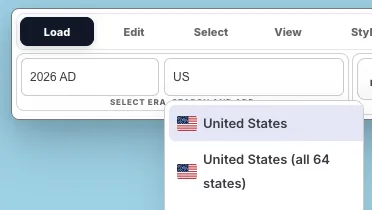
1. Select Countries & Regions (modern or historical)
- Search by name, ISO code, or pick a historical time period
- Click to add modern countries, sub‑regions (e.g. US states), continents, or historical territories
- Access 270+ countries, 56,000+ subdivisions, and 6 continents for unmatched comparison granularity
2. Move & Compare
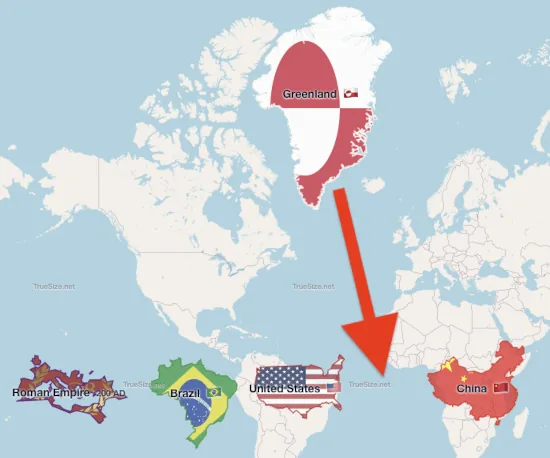
- Drag countries anywhere to compare true size at different latitudes
- Shift + drag selection box for multi‑select group moves
- Hold R and drag to rotate precisely
- Sizes stay accurate because transformations occur on a sphere first
3. Customize Appearance
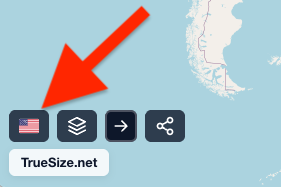
- Switch between flag rendering and random color palette
- Toggle 2D map vs 3D globe
- Change basemap: OpenStreetMap, Satellite, Hybrid
- Enable/disable holonomy (realistic orientation change on a sphere)
4. Create Map Posters
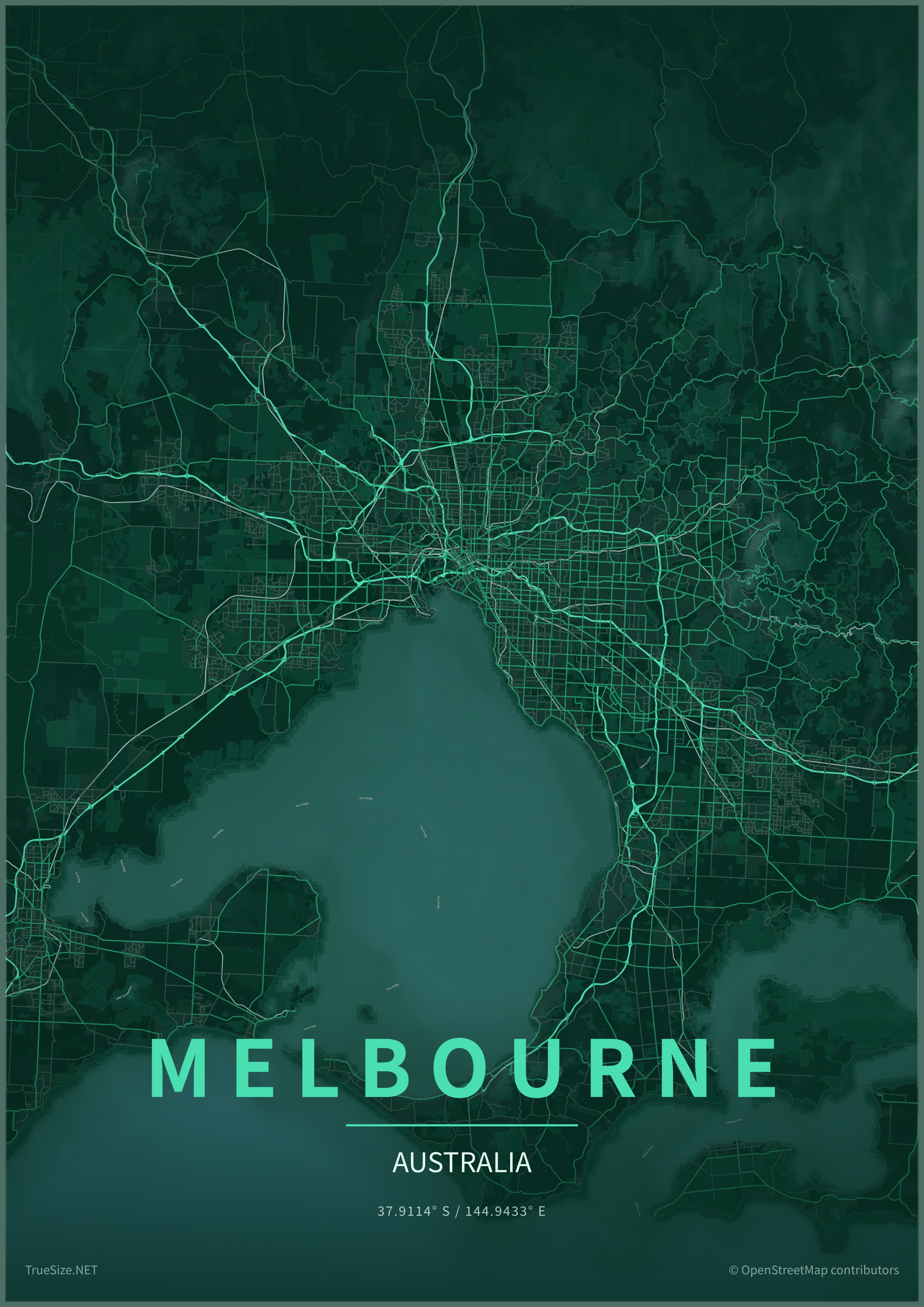
- Enter Poster Preview to turn any city, country, island, or region into printable wall art
- Tune frame style, paper fade, vignette, title, subtitle, font, all-caps, and letter spacing
- Export poster artwork as PNG, PDF, or SVG in screen, print, social, and wallpaper sizes
5. Share & Export Data
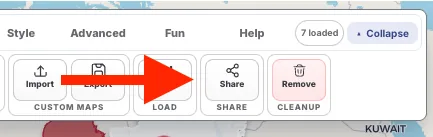
- Copy the URL hash (compressed) to share your exact setup
- Export transformed geometry as GeoJSON, TopoJSON, KML, or Shapefile ZIP
- Import GeoJSON, TopoJSON, KML, GPX, or a zipped Shapefile for custom analysis
Next: Start by selecting countries.