
English
English
Appearance
In 1800, the young United States was a strip of land east of the Mississippi River, Sweden still ruled Finland, and Afghanistan was the Durrani Empire. TrueSize can load all three with their 1800 borders and lets you drag them side by side, so you see their real sizes instead of the distorted ones on a flat map.
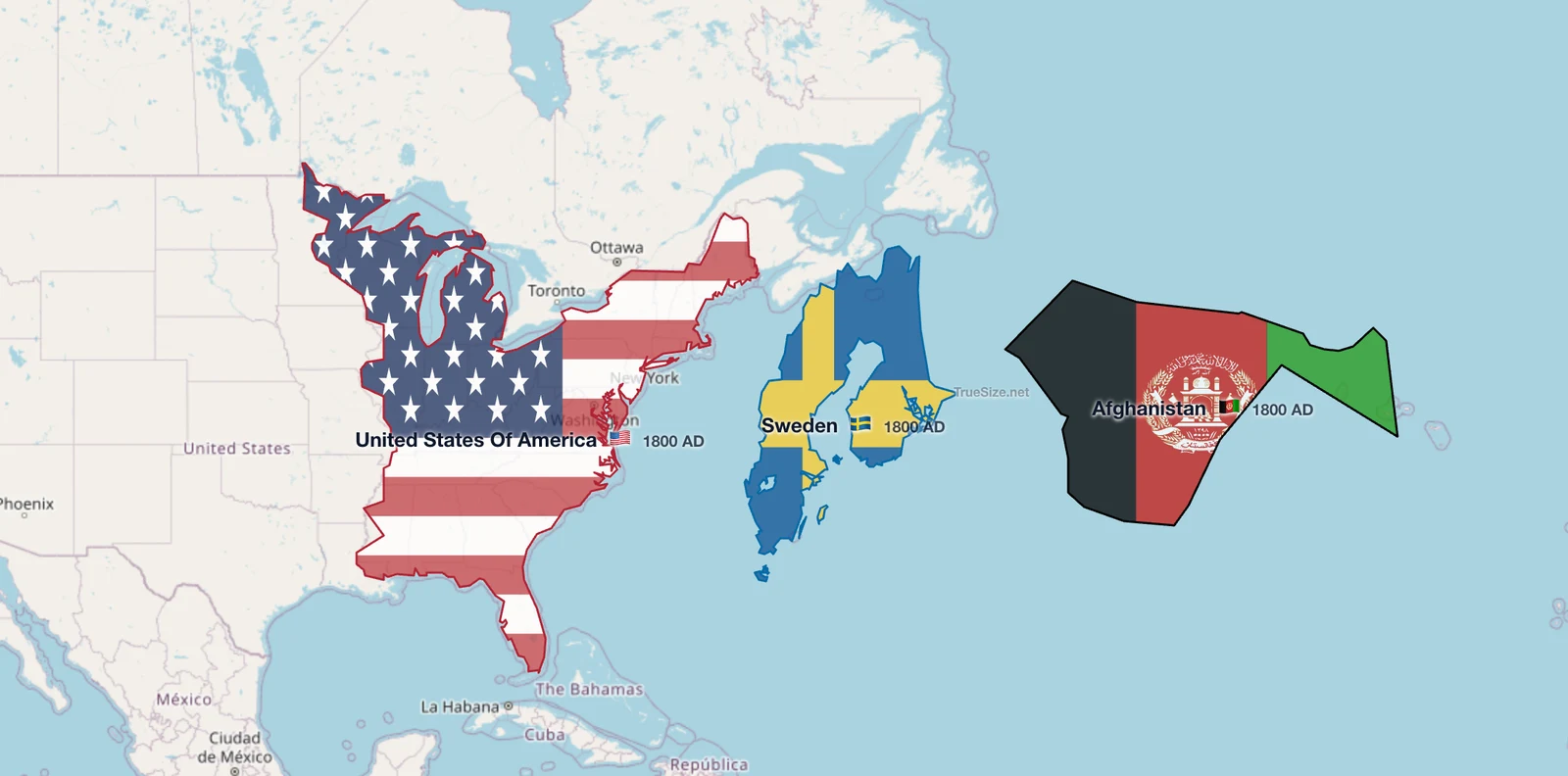
The USA, Sweden and Afghanistan in 1800 at true size.
Use the Stats button on the Tools tab to read the area of the regions you load. Areas of historical borders are measured from the map outline in TrueSize.
Most old and school maps use the Mercator projection, which stretches land farther from the equator. Sweden lies between about 55 and 69 degrees north, so on a typical map it looks much bigger than it is. Afghanistan, at roughly 29 to 38 degrees north, is shown close to its real scale.
When you drag a region in TrueSize, it keeps its true area and changes shape as it moves over the sphere. Comparing countries from the same year, or from different eras, at the same latitude is the fairest way to judge scale.
A region that did not exist in the chosen year appears as a chip reading "{name} · not on the map in {year}", with a reason such as annexed or dissolved.
Please rotate your device
The map needs portrait orientation on small screens — landscape leaves too little height to work with.