
English
English
Appearance
The TrueSize timeline is a historical borders map you can scrub with a slider. Pick a year, and every loaded country, empire and region redraws itself with the borders it had then. The slider reaches back to 123,000 BC, and the catalog has 4,186 historical entities with 22,255 snapshots, so you can also put a past empire next to today's countries at true size.
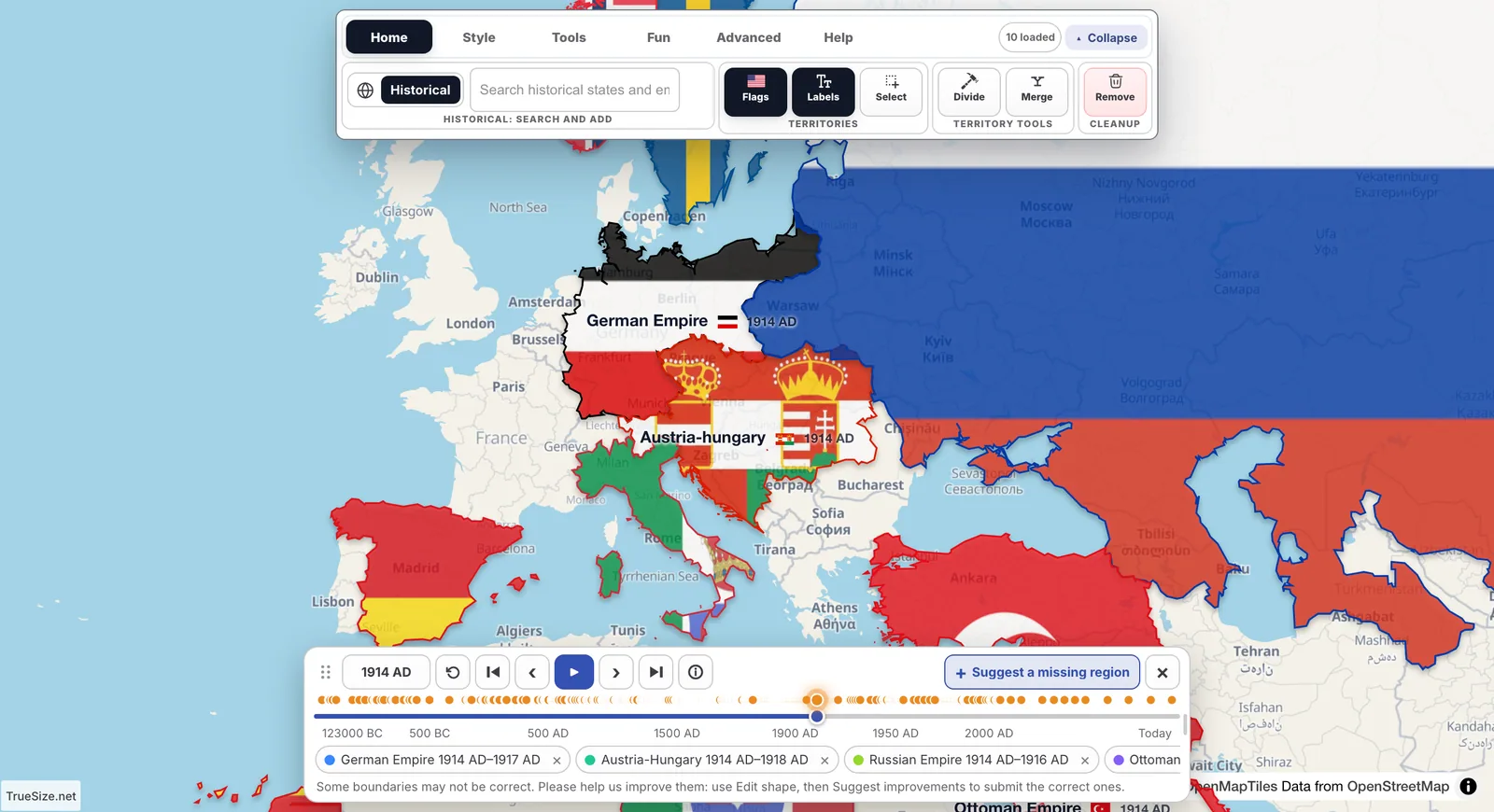
Europe in 1914, with the timeline panel open at the top of the map.
If nothing is loaded yet, the panel says: "Search for a country or region to see how its borders changed through history."
The timeline playing from 1910: watch Europe's borders change year by year.

The year slider and its buttons.
| Control | What it does | Key |
|---|---|---|
| Year slider | Drag to any year. Small markers on the rail show years where something changed. | Home / End jump to the start / today |
| Year number | Click it to open Go to year. Type a year, choose AD or BC, then press Go. | Enter |
| Today | Jumps back to the present. | T |
| Previous change / Next change | Jumps to the previous or next year in which a loaded region changed. | Left / Right arrow |
| Previous year / Next year | Steps one year. Hold the button to keep stepping. | Shift + Left / Right arrow |
| Play / Pause | Animates the borders through time. | Space |
| Region info | Opens or closes the history card of a region. | I |
| Suggest a missing region | Starts a community suggestion. | none |
Playback has a speed setting called Playback speed. You can drag the panel by its grip, resize it, and double-click the grip to dock it again.
Every loaded region follows the year. That is useful for watching one country change, but sometimes you want an old state beside a modern one. Use Pin: it keeps the selection as it is now, so it stops changing with the timeline and stays on the map after you close the timeline.
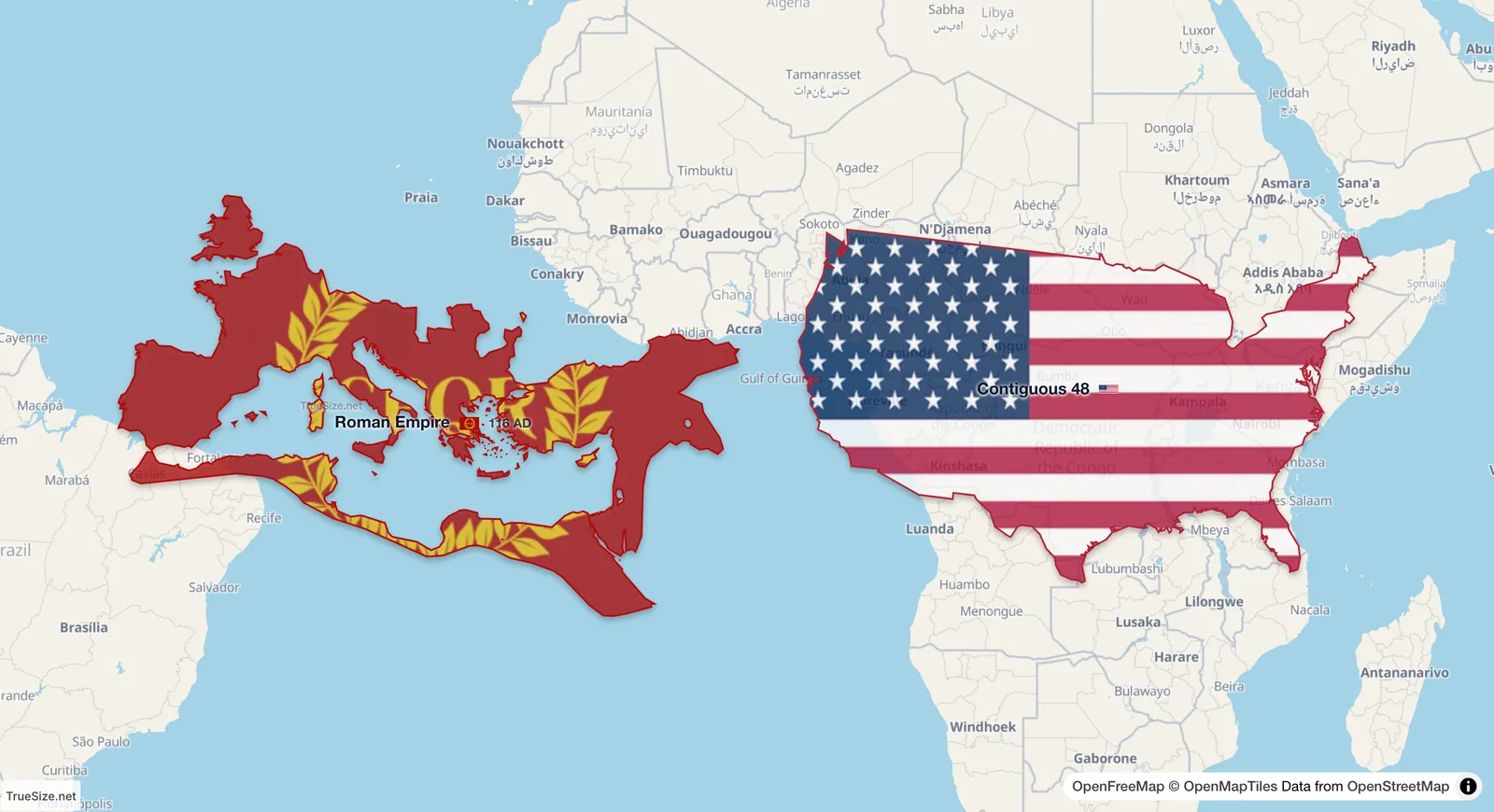
The Roman Empire at its peak in 116 AD and the 48 contiguous US states side by side on the equator.
In TrueSize, measured from the map outline, the Roman Empire at 116 AD covers about 4.83 million km². The 48 contiguous US states cover about 8.1 million km², and the whole United States about 9.83 million km². The numbers are what the app measures from its outlines, so published estimates for ancient empires can differ.
Not every place existed in every year. If a loaded region has no borders in the chosen year, the timeline shows a chip like "Name · not on the map in 1850", together with the reason: "Partitioned in …", "Annexed in …" or "Dissolved in …". If it was a part of something bigger, the chip says "Name · part of …".
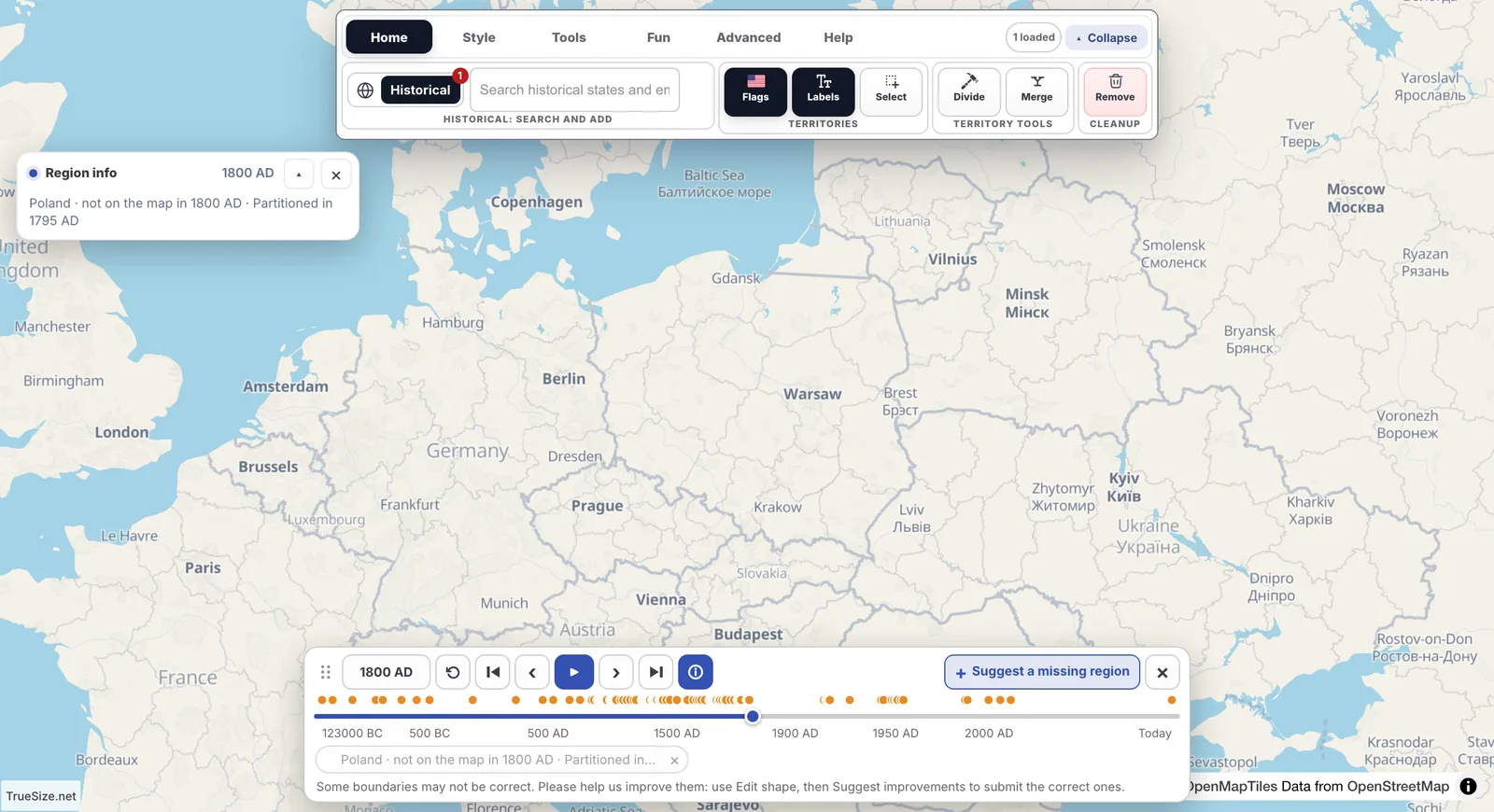
The chip explains why a loaded region is missing in that year.
Use the Next change and Previous change buttons to find the years when it appears or disappears.
Press Region info (or I) to see a short history card for the loaded regions. It explains what changed on the map at that moment. If the card is empty, the panel suggests going further back in time.
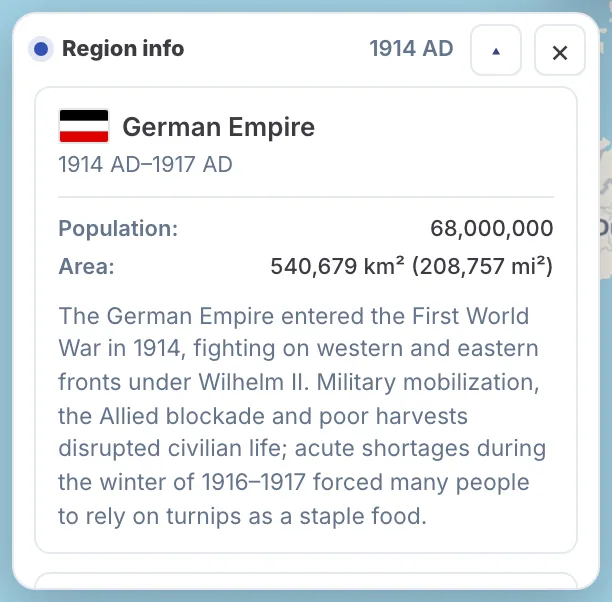
A history card tells you what changed and when.
?tl=<year>&load=<snapshotId>.The mobile app has the slider, the year dialog and previous/next change, but no one-year step buttons; keyboard shortcuts are web only.
Please rotate your device
The map needs portrait orientation on small screens — landscape leaves too little height to work with.