
English
English
Appearance
The Find by flag tool in TrueSize identifies a flag from a description, a set of filters or a picture you upload. It searches an index of 49,692 modern and historical flags of countries, subdivisions, territories and more, and shows the best matches with a similarity score. You can then load the matching region straight onto the map.
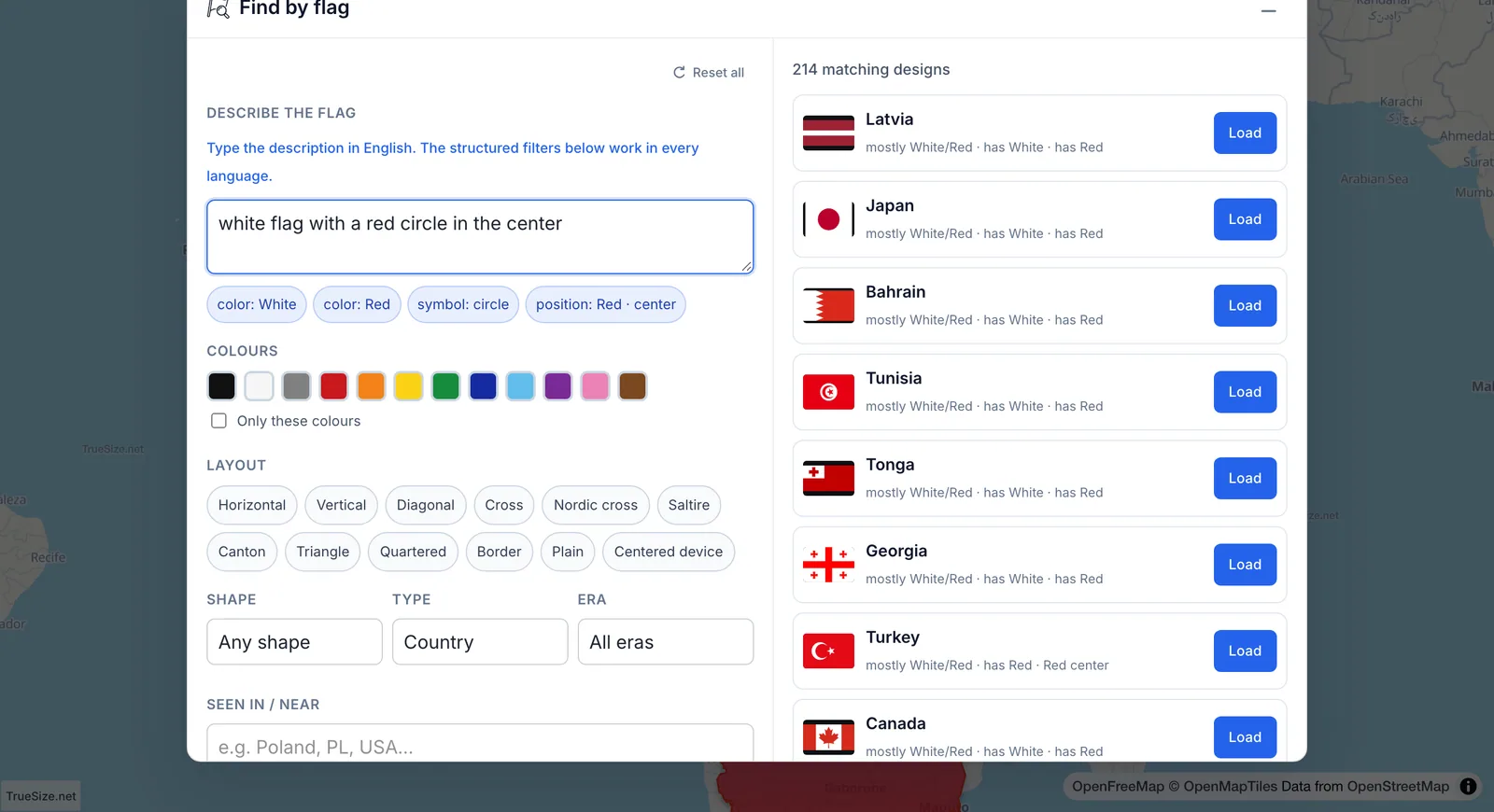
Results for "white flag with a red circle in the center", with Type set to Country.
Use Reset all to clear every filter and start over.
Type the description in English. The tool recognizes colors, layouts and symbols and shows what it understood as small chips (color, layout, symbol, shape, type, position). If it cannot find any flag features, it asks you to describe colors, layout or symbols in English. The filters work in every language.
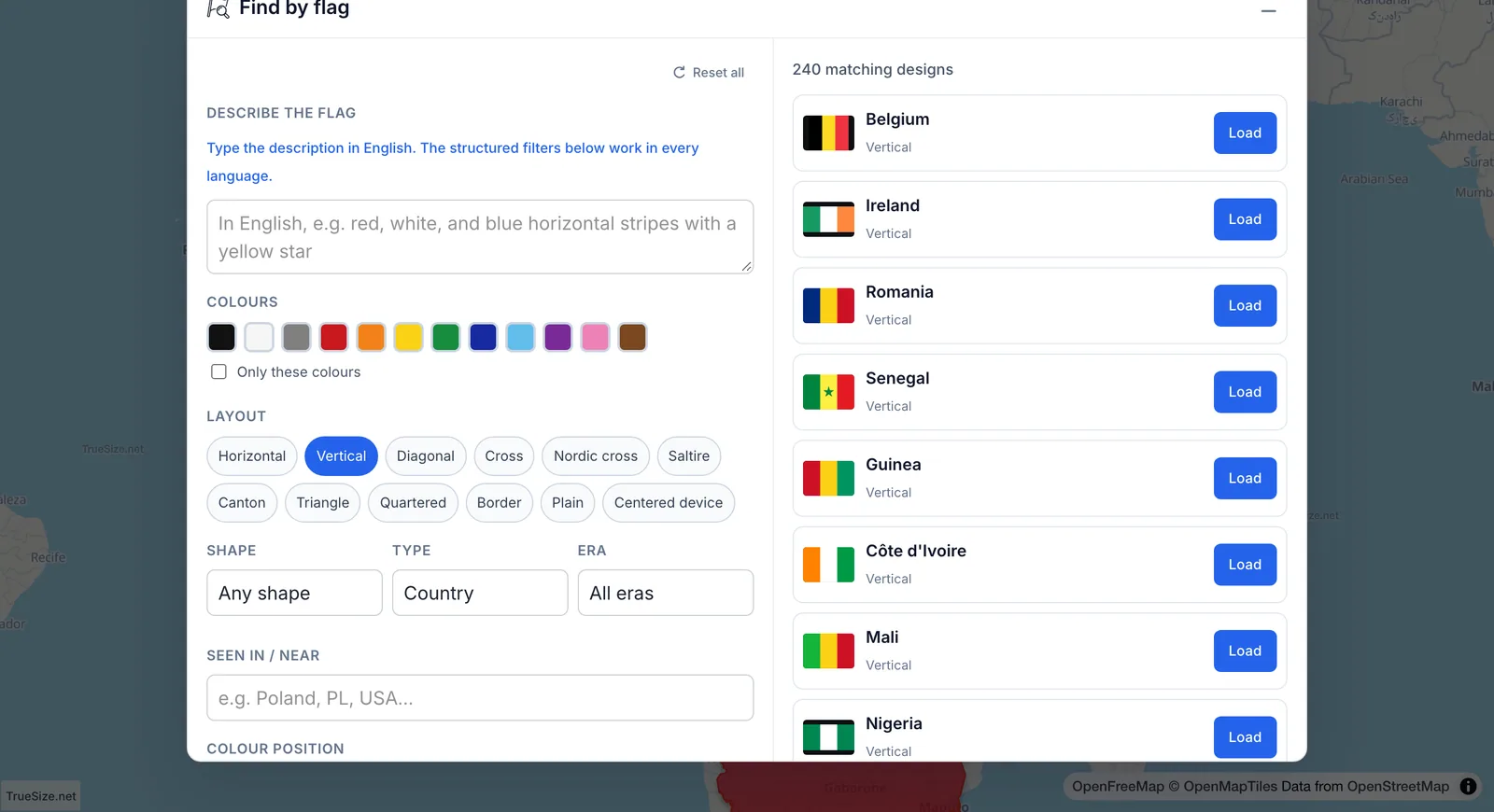
Filters for color, layout and symbols.
Results that share the same flag design are grouped, so you see "matching designs" and can expand a group to list every territory that uses it.
Drop, paste or choose an image. Crop it to the flag itself for the best result, then click Search this crop. The tool compares the picture with every flag in the index and labels each result as a near-exact image match or a similar image.
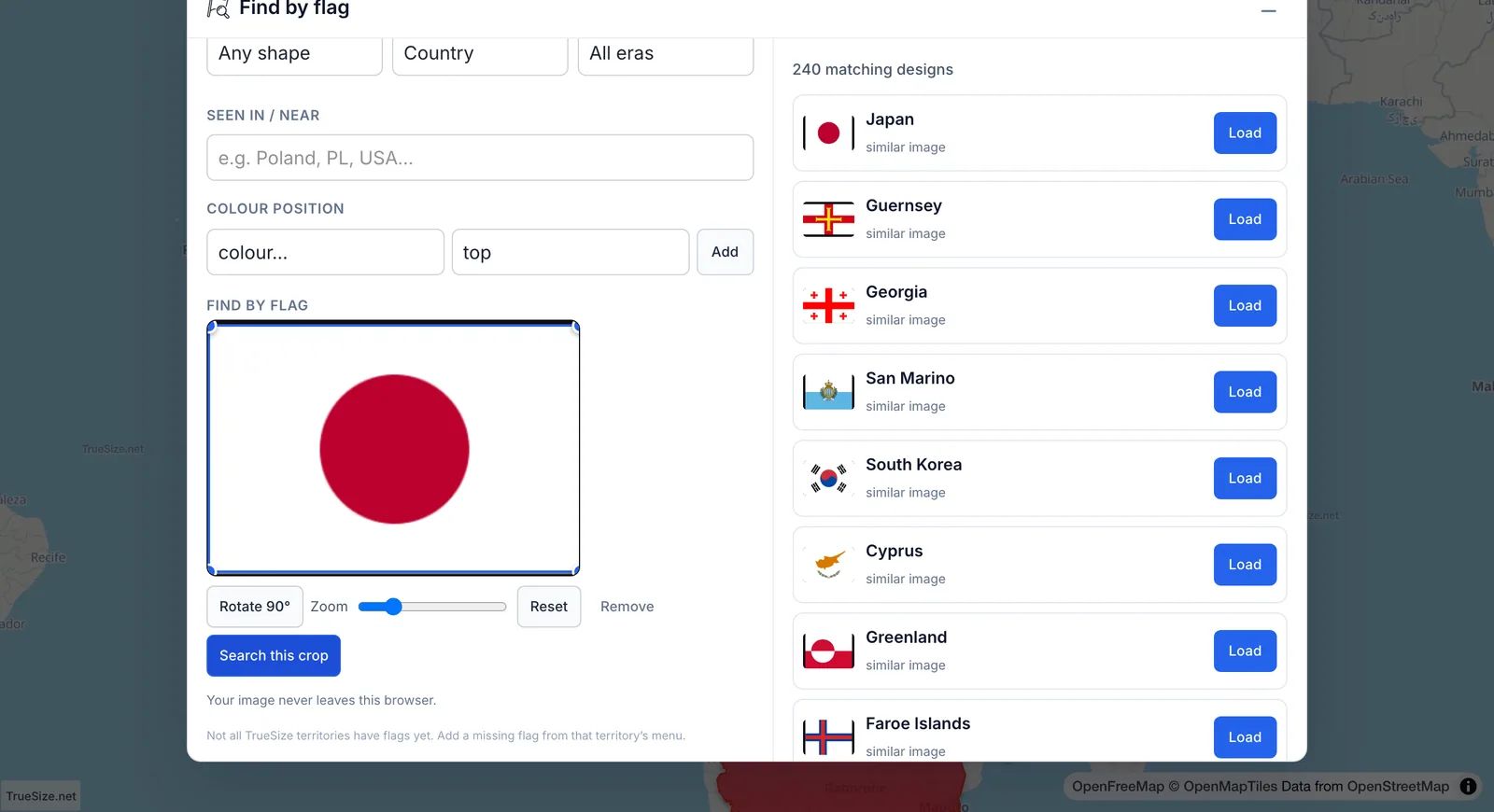
Results for an uploaded picture: Japan is the top match.
Your image never leaves your browser. The image must be between 32 by 32 pixels and 10 MB.
Each result shows a similarity percentage and short reasons, such as "has red" or "possible star". Treat the first few results as candidates, and check the flag against the region's name. Not every TrueSize territory has a flag yet. You can add a missing flag from that territory's card; see suggest flags, names and borders.
Find by flag is available on the web version only.
Next: Distance and bearing
Please rotate your device
The map needs portrait orientation on small screens — landscape leaves too little height to work with.