
English
English
Appearance
TrueSize covers hundreds of thousands of regions, and its historical timeline has thousands of entries, so some flags, names and borders are missing or wrong. You can fix them: send a suggestion straight from the map, and once it is reviewed and approved, everyone sees it. Nothing you submit goes live without review.
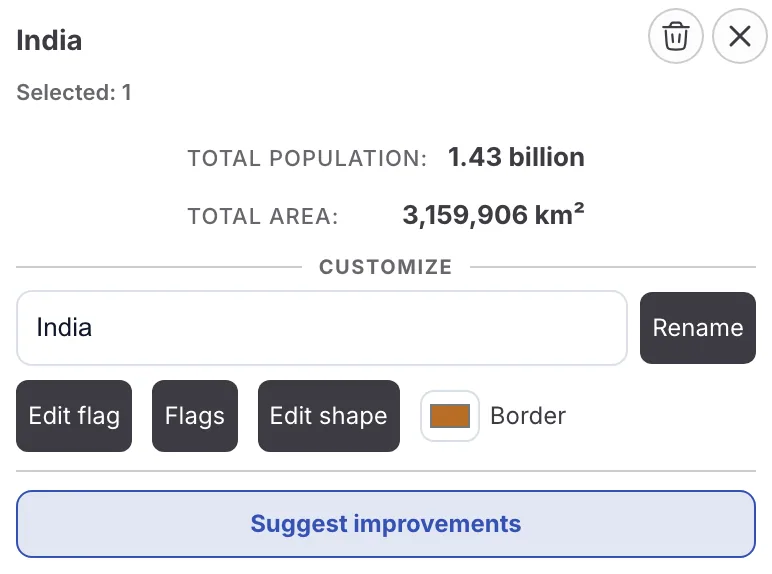
Click a region and the suggestion buttons appear at the bottom of its card.
If you only want a different flag for yourself, click a region and choose Edit flag (the tooltip reads "Show a custom flag on this device only"). It is shown on this device only and is not sent to anyone.
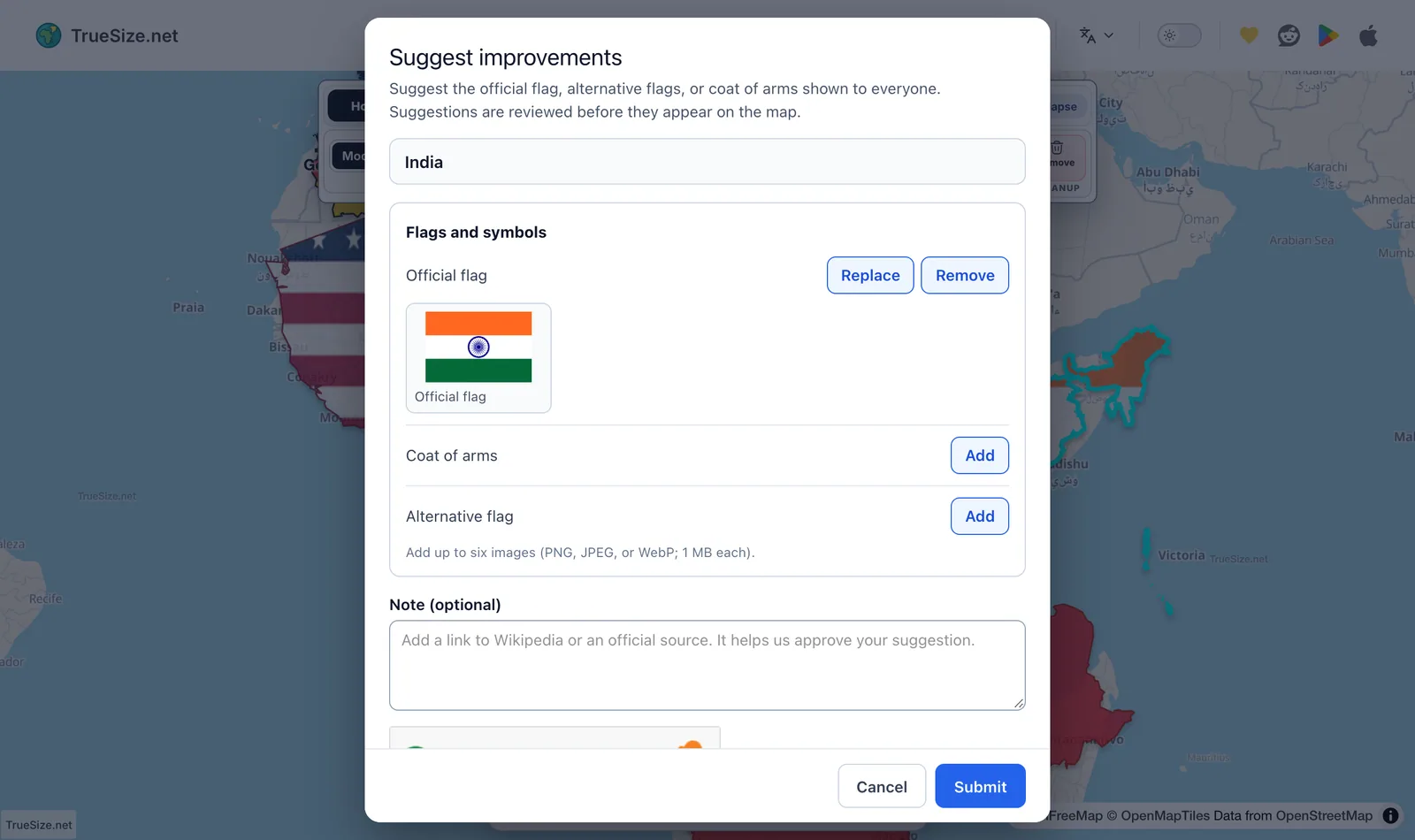
The dialog shows the current and suggested flag side by side.
For many regions the card shows Suggest improvements instead. It opens a form where you can propose the official flag, alternative flags, coats of arms, emblems or seals. Alternative and fictional designs are welcome there, as long as they are labeled correctly. Coats of arms and seals are not flags, and fan-made designs must be marked as fictional.
For historical territories, click Suggest name. Enter the accurate English name for that era, with no local or non-English names, and add a note with your source. The dialog shows the current name so you can compare. Names identical to the current one, or already submitted, are rejected.
Boundary suggestions are for individual historical territories, lakes and rivers.
When the historical timeline is open, Suggest a missing region lets you propose a new entry with its English name, the year it starts, an optional end year, a boundary (upload a GeoJSON file or use the shape you selected), images and a related region. If the entry belongs to the history of a country that already has a timeline, link it there. To fix an existing entry, open its card and choose Suggest improvements, where you can change a name, years, flags or boundary, or propose removing the entry. See Historical Borders Map.
Suggestions can be sent from the web and from the mobile app, which supports flag and timeline suggestions. Moderation itself happens on the server.
Next: The TrueSize Mobile App
Please rotate your device
The map needs portrait orientation on small screens — landscape leaves too little height to work with.