
English
English
Appearance
The Distance tool in TrueSize measures the shortest path along the Earth's surface between two points, called the great-circle distance, and also shows the straight-line distance through the Earth. The Bearing tool gives the compass direction from one place to the other. Both draw the line on the map, and on a flat map that line usually curves.
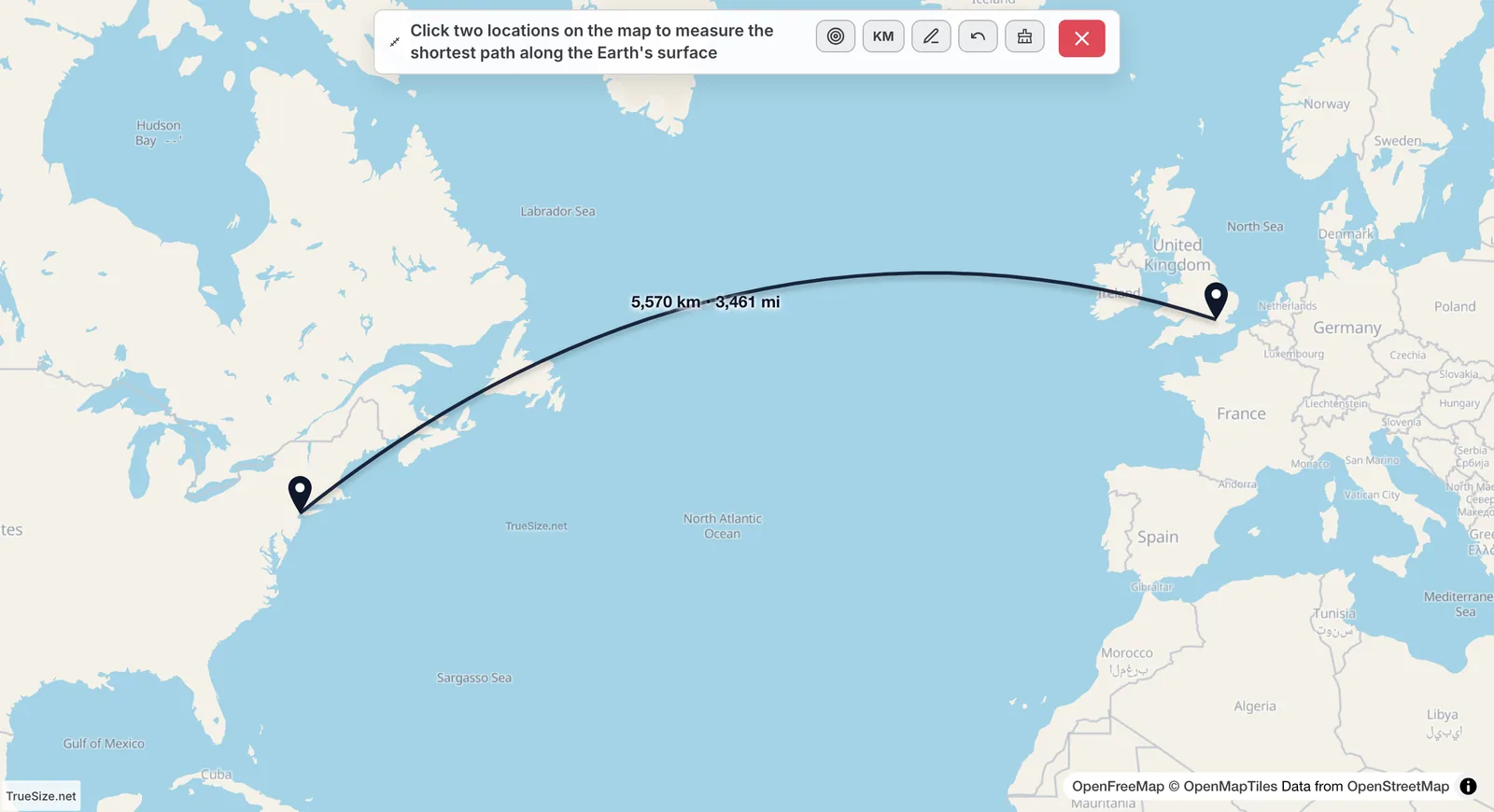
A distance measurement between two cities.
You can also use the buttons in the header:
The two numbers mean different things.
| Measurement | What it is |
|---|---|
| Surface (great-circle) distance | The shortest path along the Earth's surface. Planes and ships follow routes close to this. |
| Chord distance | The straight line through the Earth between the two points. It is always a bit shorter. |
For two cities a few hundred kilometers apart the two are almost identical. For points on opposite sides of the world the chord is much shorter, because it cuts through the planet.
A flat map stretches the globe, especially away from the equator. The shortest path between two points on a sphere is an arc of a great circle, and when that arc is drawn on a Mercator-style map it bends toward the pole. This is why flights from Europe to North America cross Greenland or the far North Atlantic instead of following the straight line you would draw on paper. Switch to the globe (Style → Globe) and the same line looks straight.
The bearing is the compass direction (azimuth) you would face at point A to head toward point B along the great circle.
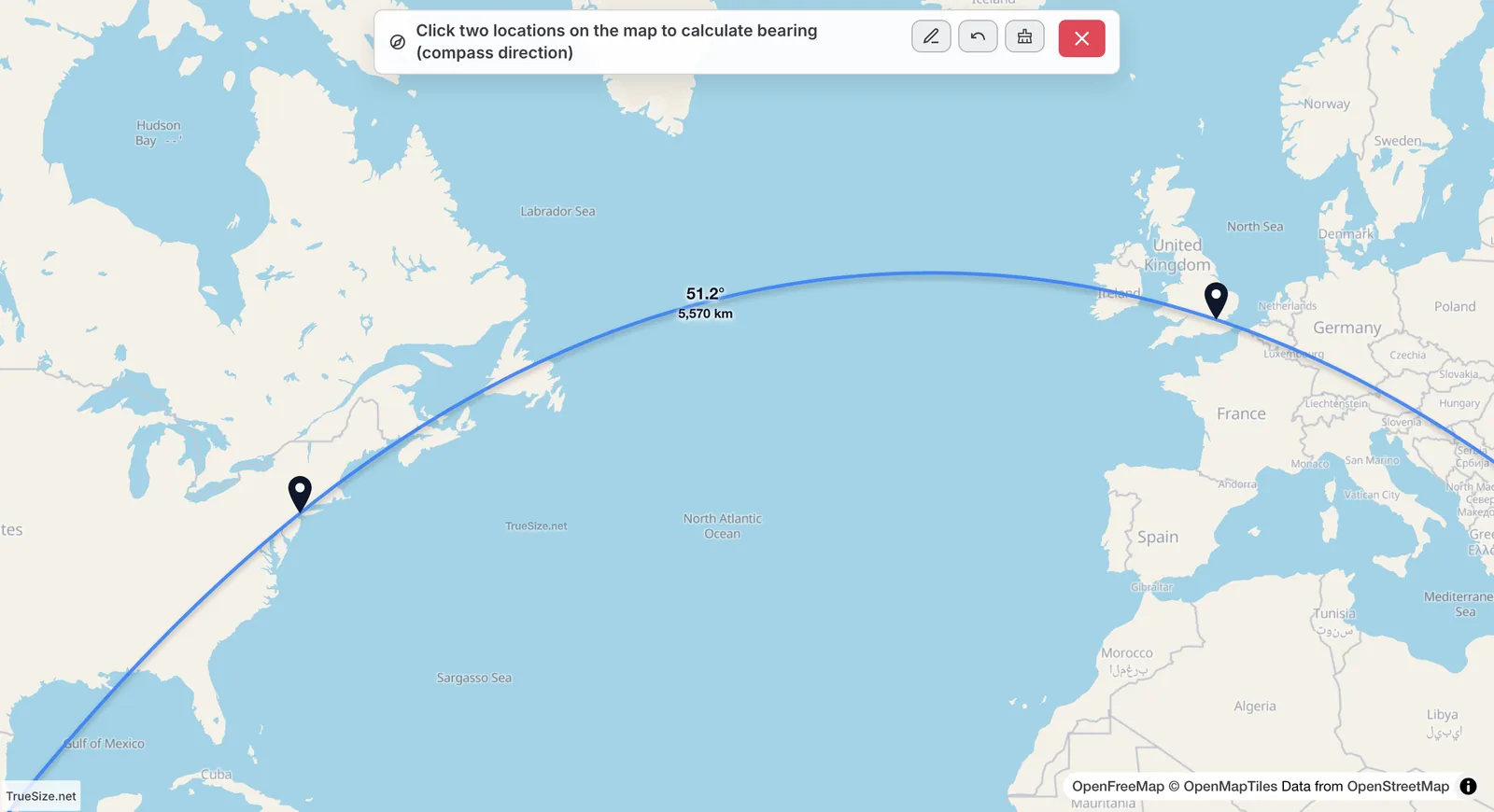
A bearing measurement with the azimuth in degrees.
Along a great circle the bearing changes as you travel, so the number is the starting direction at point A.
Distance and bearing work on the web and in the TrueSize mobile app.
Next: Population radius tool
Please rotate your device
The map needs portrait orientation on small screens — landscape leaves too little height to work with.