
English
English
Appearance
The TrueSize app puts the true-size map in your pocket. It is free on iOS and Android, shares the same data as the website, and lets you drag any country over another to compare real sizes.


As of October 2026, the app is rated 4.7 from 283 ratings on the App Store (US) and about 4.4 from more than 900 ratings on Google Play.
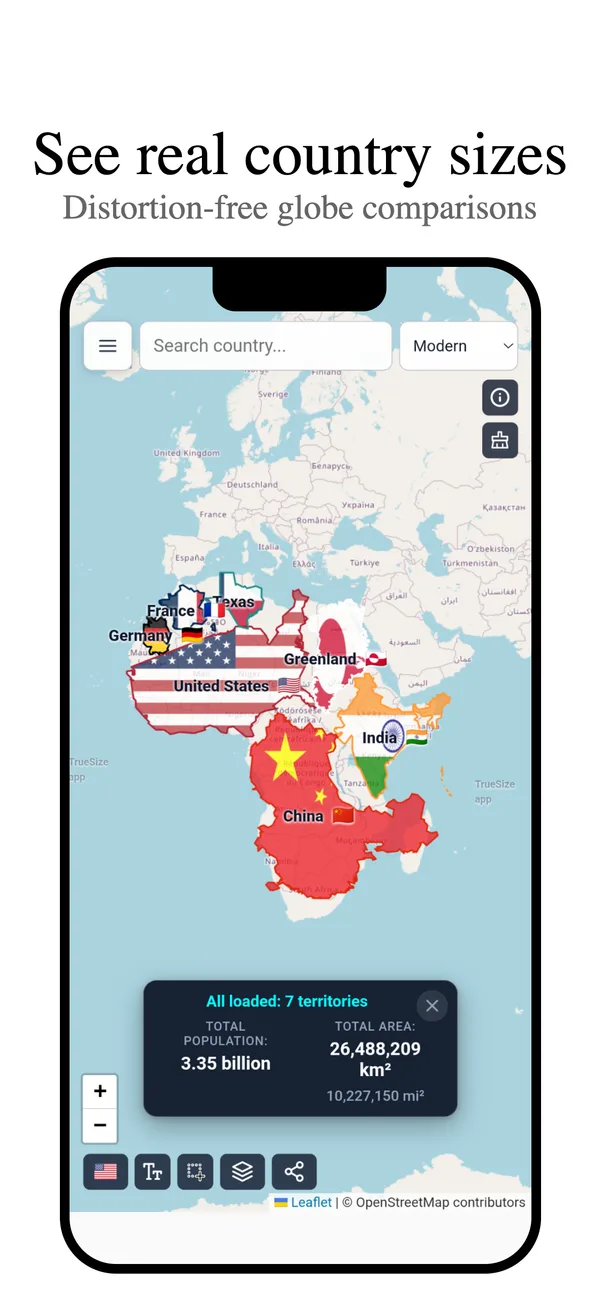
The map in the iPhone app.
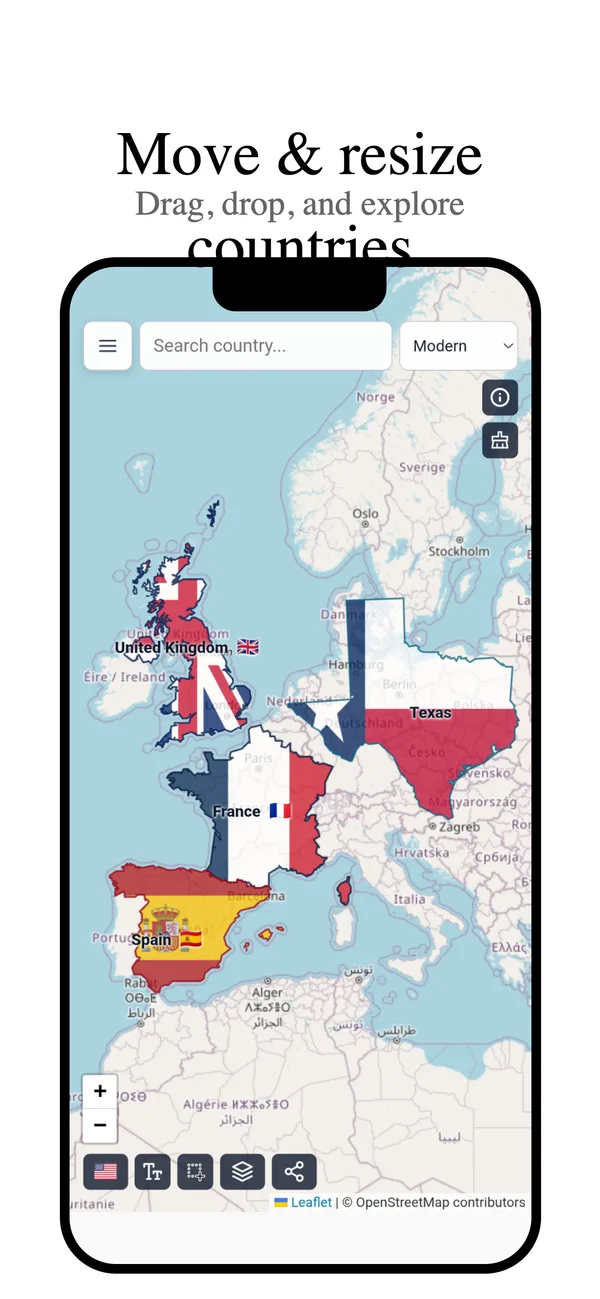
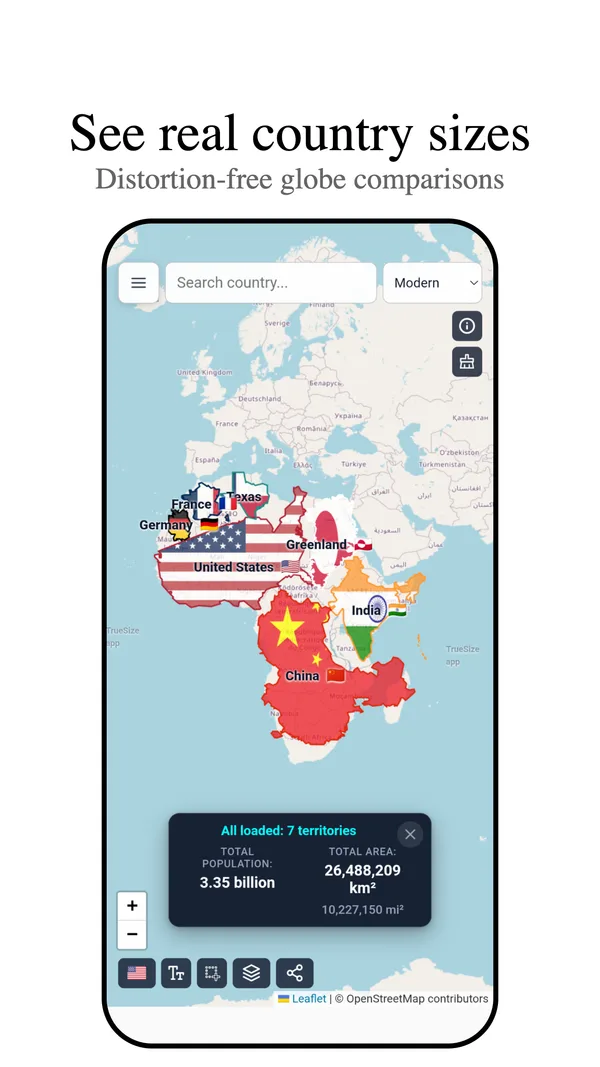
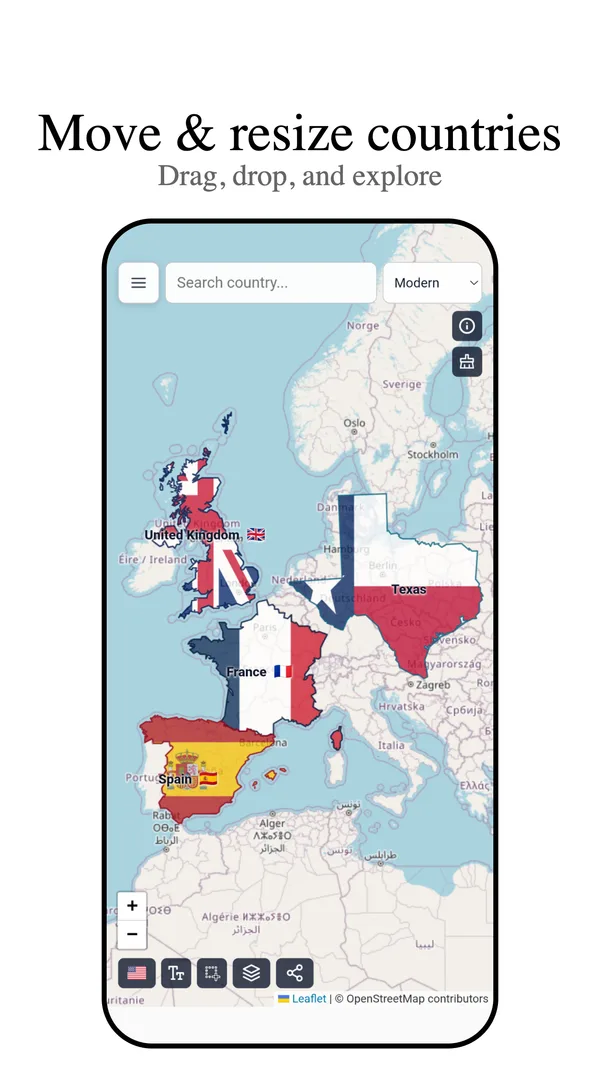
The app follows the website closely, but a few features exist only on one side.
| Feature | Web | App |
|---|---|---|
| Move and compare regions at true size | Yes | Yes |
| Historical timeline | Yes | Yes |
| Search | Yes | Yes |
| Nuclear blast radius | Yes | Yes |
| Population, distance and bearing tools | Yes | Yes |
| Draw custom shapes | Yes | Yes |
| Skins, terrain and seafloor | Yes | Yes |
| Challenge and Flag Quiz | Yes | Yes |
| 3D globe and its effects | Yes | No |
| Countries on other planets | Yes | No |
| Living Earth live weather | Yes | No |
| Map posters | Yes | No |
| Find by flag | Yes | No |
| Radio | Yes | No |
| Compare two regions and custom challenge links | Yes | No |
| Keyboard shortcuts | Yes | No |
| Import of KML, GPX and Shapefile | Yes | No |
| Export as TopoJSON, KML and Shapefile | Yes | No (GeoJSON only) |
| One-time purchase to remove ads | No | Yes |
The web version also works in a phone browser, so features that are missing from the app are still available at truesize.net.
Next: Open the map
Please rotate your device
The map needs portrait orientation on small screens — landscape leaves too little height to work with.