
English
English
Appearance
Living Earth turns the TrueSize map into a live weather and ocean map. Wind and ocean currents flow across the screen as animated streaks, and you can add colored layers for temperature, rain, clouds, waves, sea ice and the aurora. You can also lay recent NASA satellite images over the map and then drag your own countries onto it for scale.
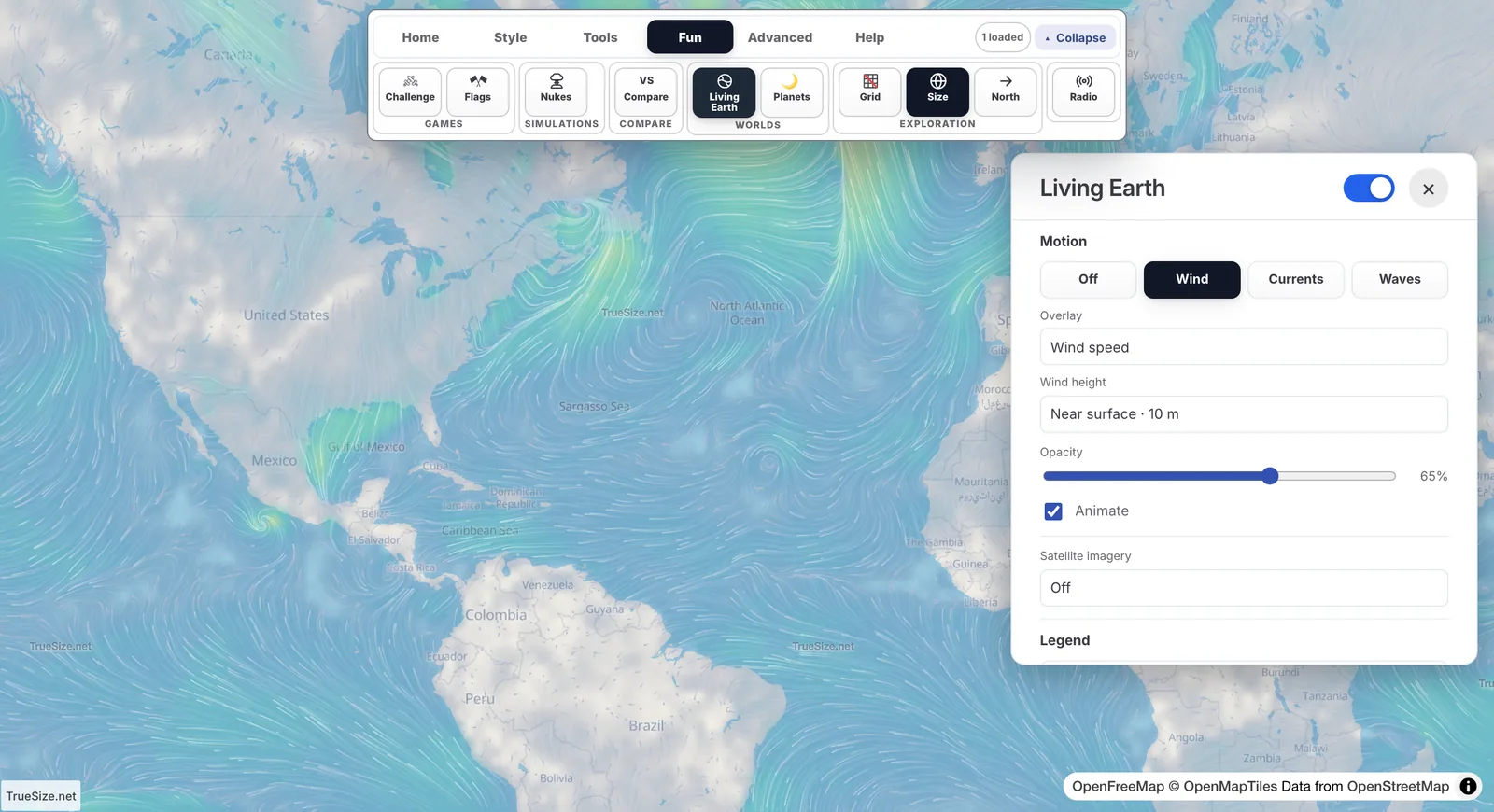
Wind animated over the map with Living Earth.
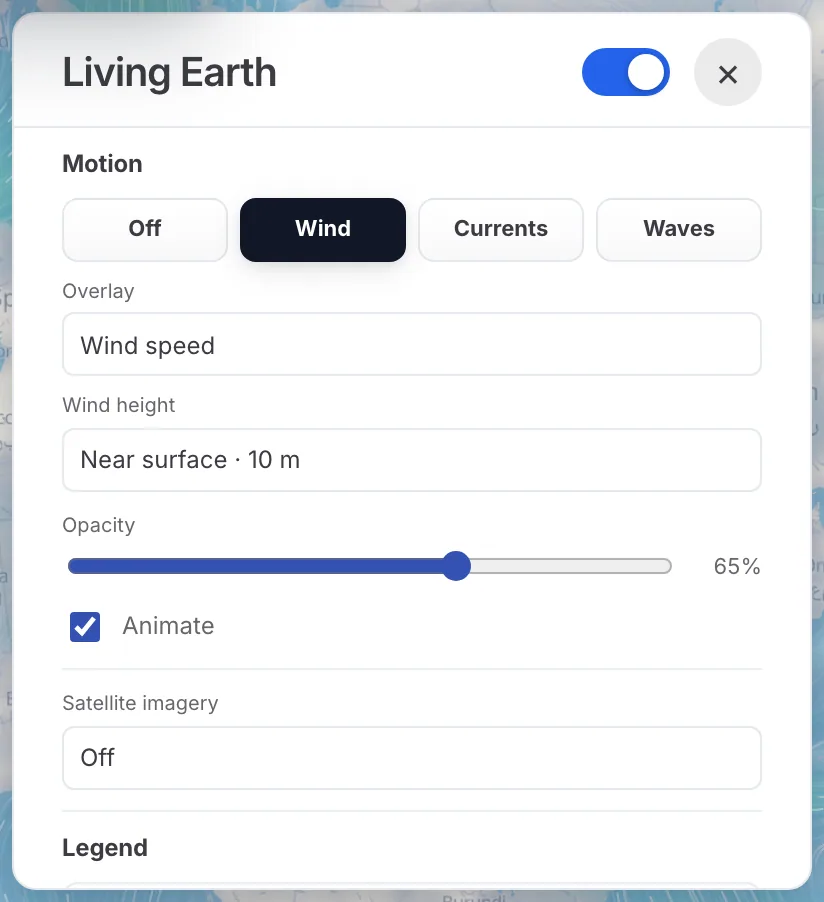
The Living Earth panel: motion, overlay, wind height and satellite imagery.
You can close the panel and keep the layers running. A small legend stays on the map; use its settings button to reopen the panel, or collapse the legend to save space.
| Group | Layers |
|---|---|
| Motion | Wind, ocean currents, waves |
| Atmosphere | Wind at 10 m and at three higher levels, temperature, precipitation, cloud cover, relative humidity, dew point, wet-bulb temperature, CAPE, precipitable water, cloud water, sea-level pressure, misery index, wind power density, snow depth, sea ice |
| Ocean | Wave height, wave period, wave direction, ocean currents |
| Space | Aurora |
| NASA | True-color satellite views and aerosols |
Each layer has a short plain-language description in the panel, so you can read what a term like CAPE or dew point means before you use it.
When wind is shown, Wind height lets you choose the altitude:
The Wind speed and Current speed legends show what the colors mean, and the Animate checkbox starts or pauses the movement.
Choose Currents under Motion to see how surface water flows. The streaks make big systems easy to spot, such as the Gulf Stream along the US East Coast. Current data comes from the HYCOM ocean model; wave data comes from the GFS-Wave model.
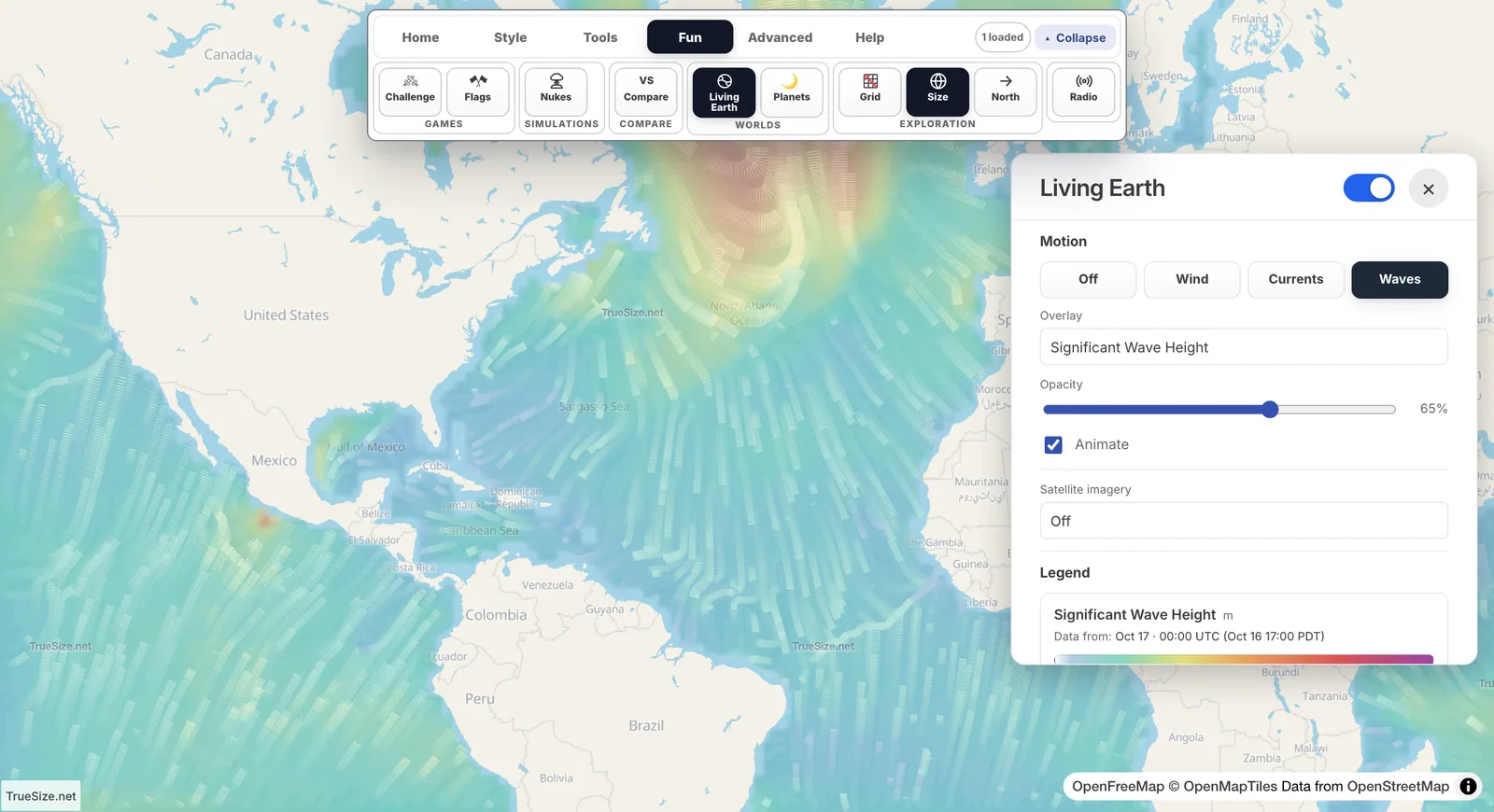
Waves motion with the Significant Wave Height overlay. The Currents button shows surface ocean currents the same way.
In the Space group, the aurora overlay shows where the Northern or Southern Lights are expected to be more active. Seeing them still depends on darkness and clear skies, so combine it with the Cloud cover overlay.
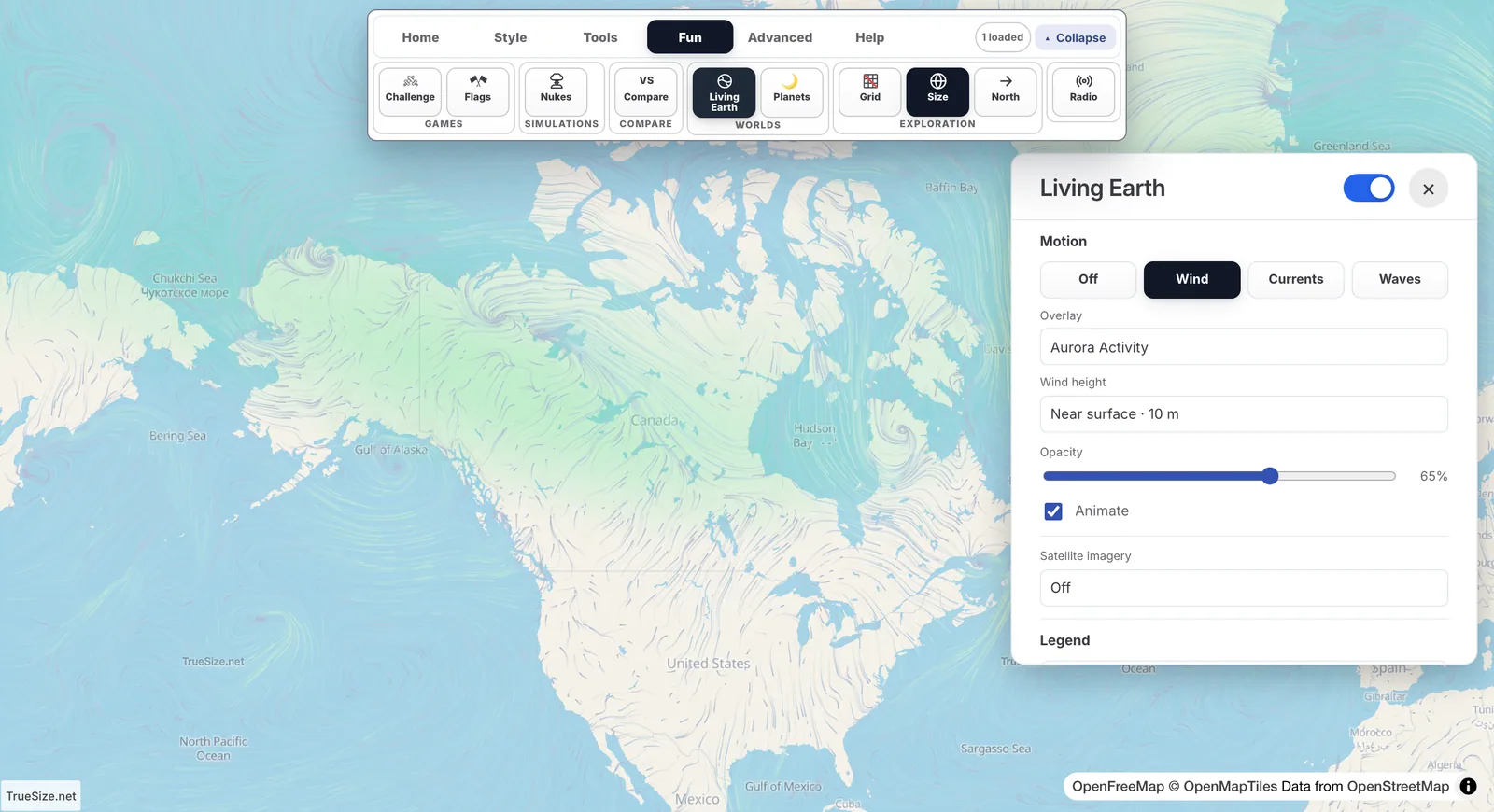
The Aurora Activity overlay over northern Canada.
Under Satellite imagery you can choose a true-color view from the VIIRS instruments on the NOAA-20 and NOAA-21 satellites, or a MODIS aerosol layer that shows particles in the air. Use Imagery opacity to blend the picture with the map. The panel shows the Image date, and a note explains that this is a daily view, so the exact capture time varies by location.
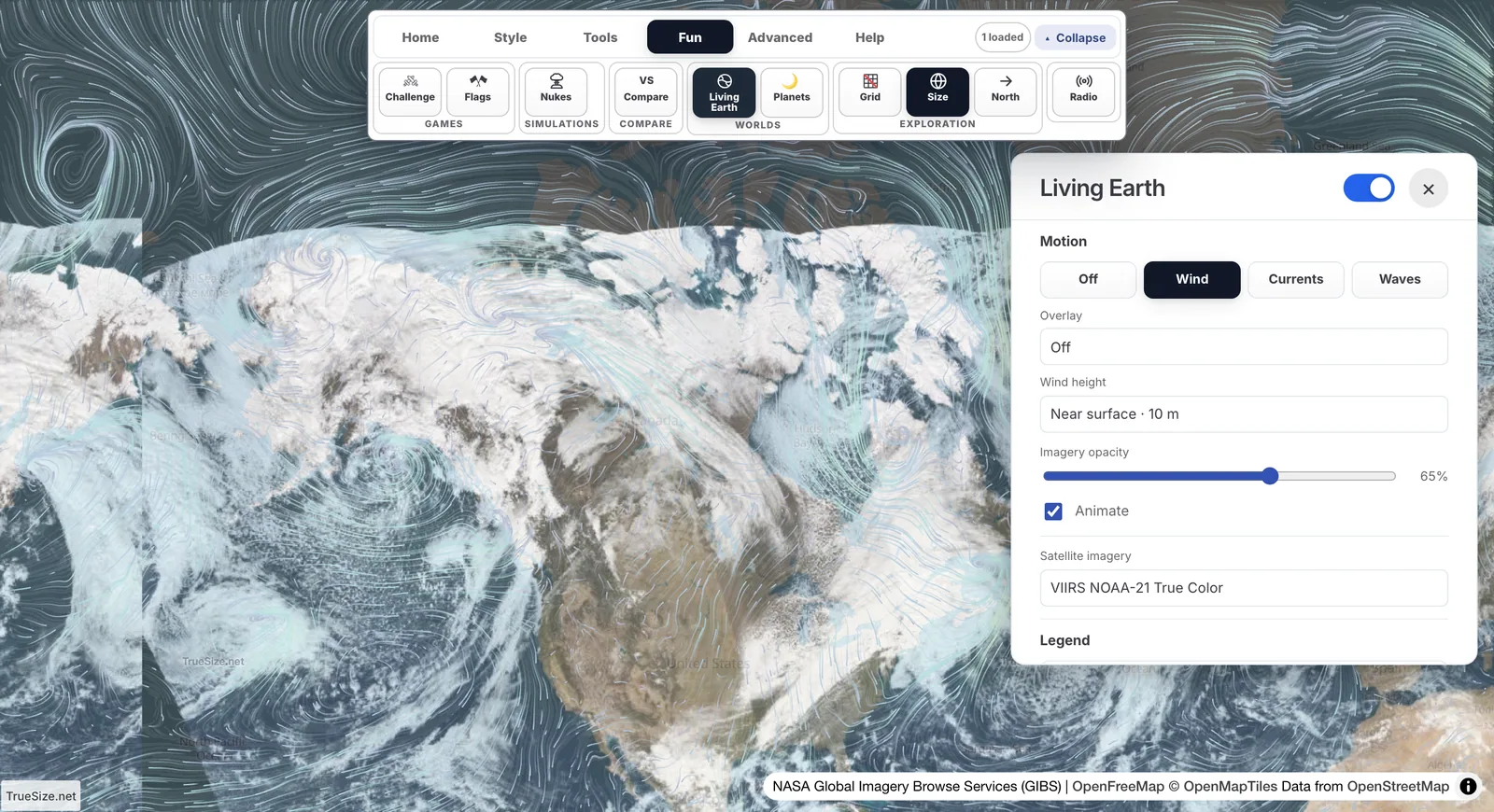
NASA true-color imagery with adjustable opacity.
Living Earth is available on the web version only. It is not in the mobile app.
Next: Nuclear blast radius map
Please rotate your device
The map needs portrait orientation on small screens — landscape leaves too little height to work with.