
English
English
Appearance
The Population tool counts the people living inside a circle you draw on the map. Click the center, click the edge, and TrueSize shows the radius and the number of people inside, using the GHS-POP 2025 population grid. It also gives a live count while you draw your own shape.
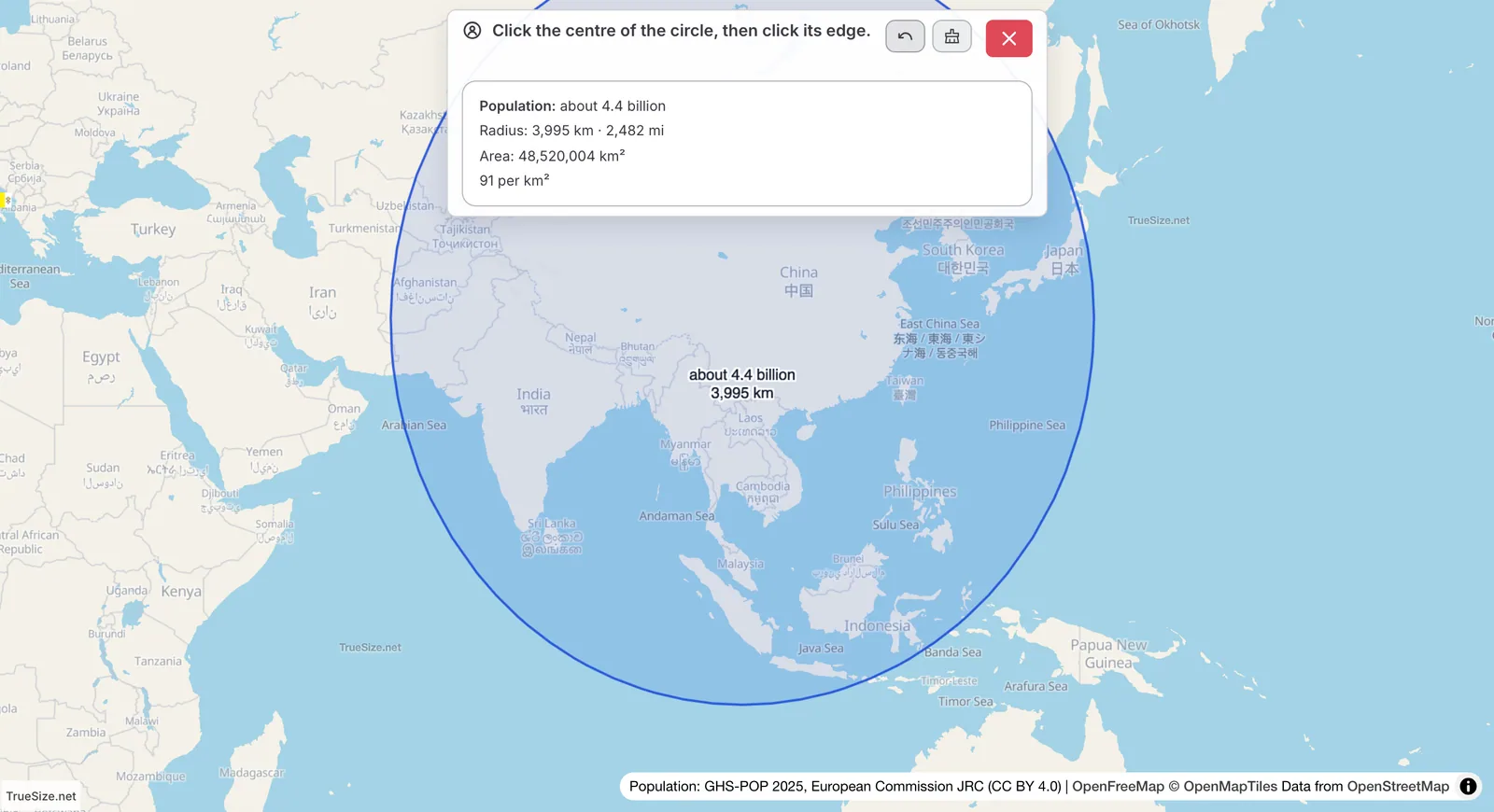
A population circle with its people count.
While the data loads you see "Counting people…". If a circle covers an area with no population in the data, the panel says no one lives there.
You can also count the people inside any shape.
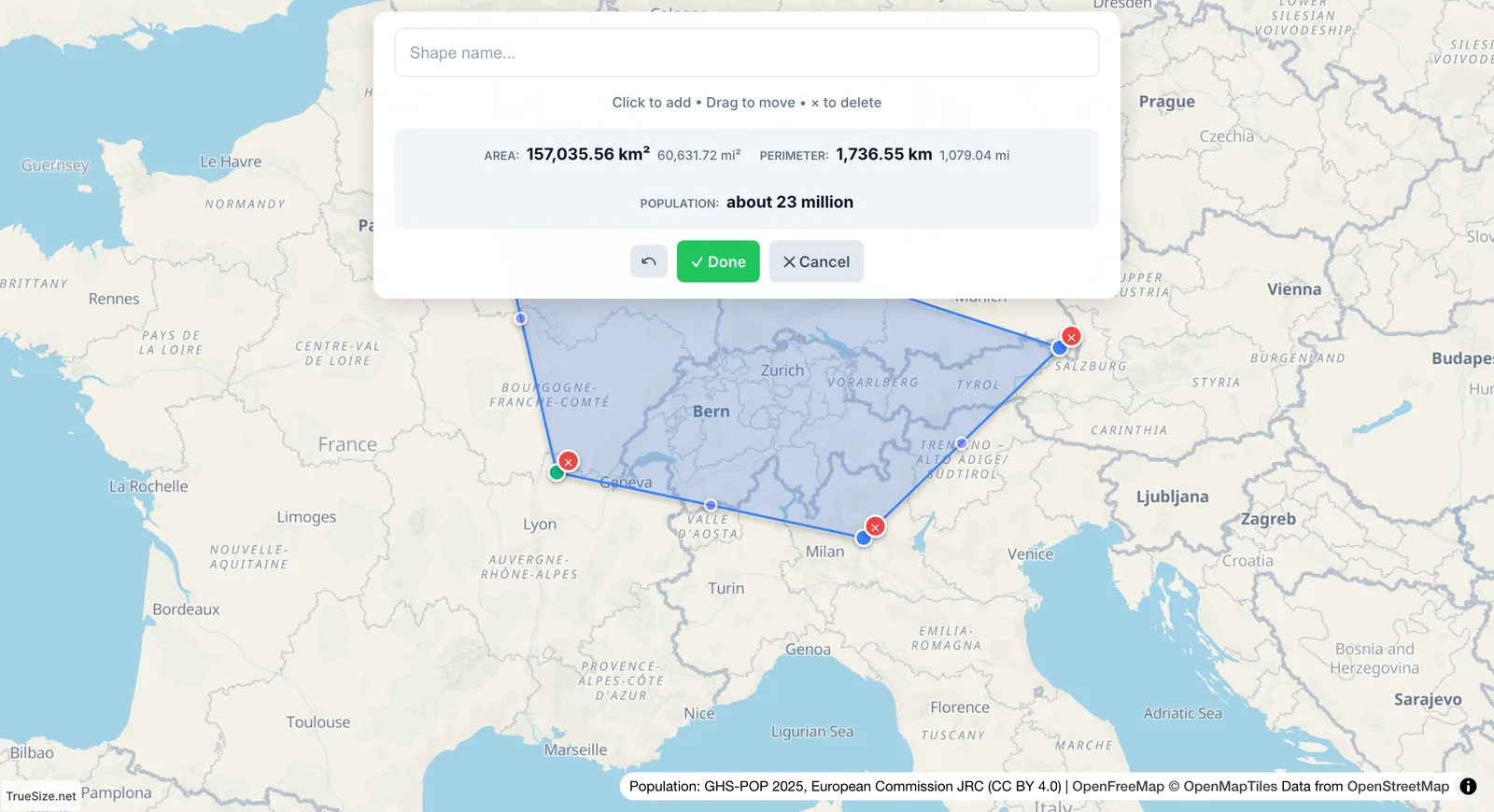
A drawn shape with a live population count.
See draw and edit shapes for the full drawing controls.
Population comes from GHS-POP 2025, the Global Human Settlement population grid by the European Commission's Joint Research Centre, licensed CC BY 4.0. The map shows the attribution under every result. The grid divides the world into small cells and estimates how many people live in each, so a circle count adds up the cells inside.
The Population tool works on the web and in the TrueSize mobile app.
Next: Draw and edit shapes
Please rotate your device
The map needs portrait orientation on small screens — landscape leaves too little height to work with.